Running Activities
Activities are guided experiences that help you apply knowledge through action.
Starting an Activity
- Go to My Activities
- Find the activity and click Run
- Choose to Start New engagement or Resume a previous one
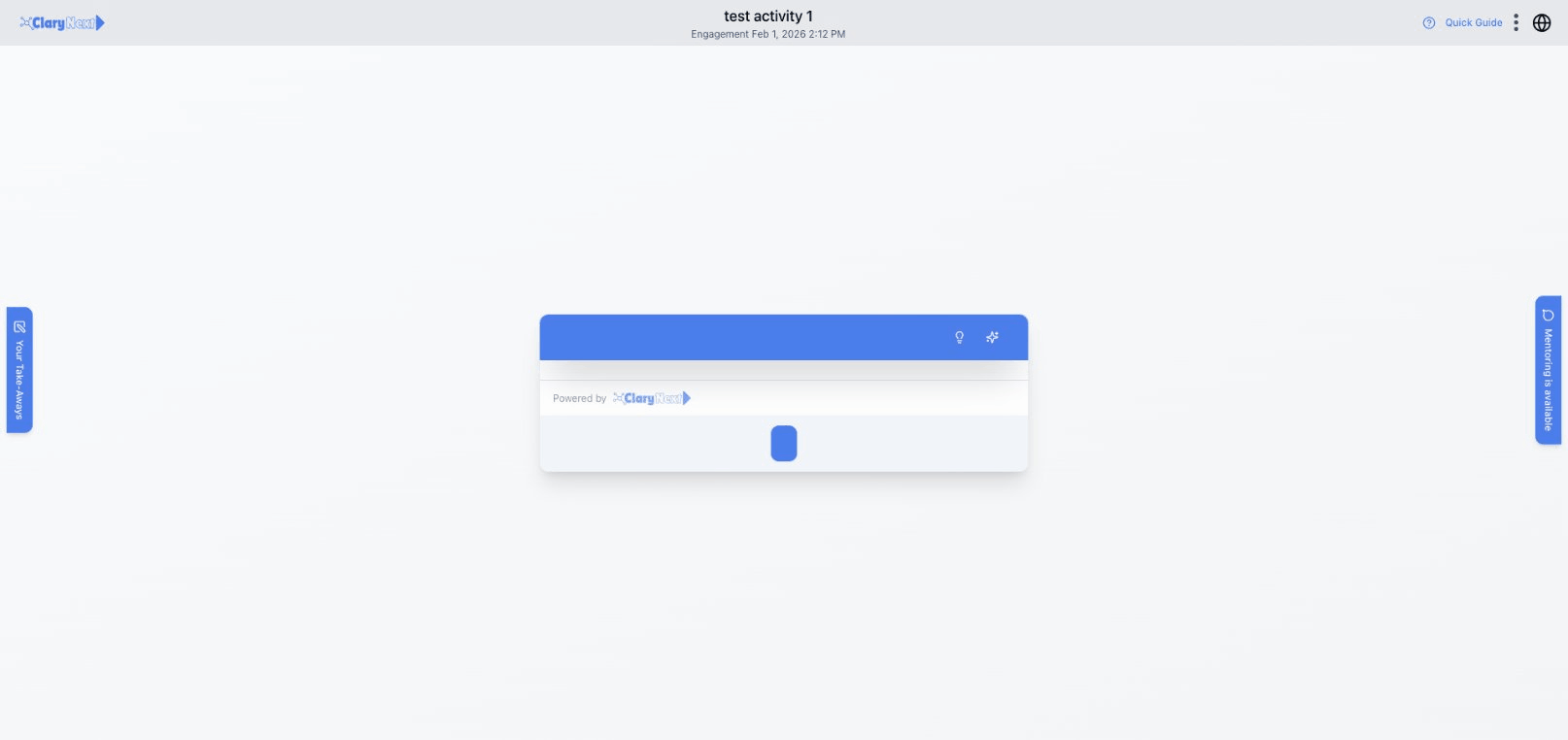
The Engagement Selection
When you run an activity, you'll see a dialog with your options:
- Start New — Begin a fresh engagement
- Resume — Continue a previous engagement (if available)
Each engagement tracks your progress and responses separately, allowing you to run the same activity multiple times.
During an Activity
Activity Interface
- Step header shows current section and progress
- Components display content and collect your inputs
- Navigation buttons move between steps
Component Types
Activities include various components:
- Text — Instructions and information
- Input fields — Enter your responses
- Sliders and ratings — Quick assessments
- AI prompts — Get personalized feedback
Saving Take-Aways
While running, you can save important content to your Workspace:
- Click the ⋮ menu on any text field
- Choose:
- Add as action item — save as a task
- Copy to insights — save as a learning
The Take-Aways panel on the left shows your saved items during the activity.
Completing an Activity
When you finish:
- Engagement Completed dialog appears
- Review your action items and insights
- Add an Epilogue reflection (optional)
- Click Continue to return to dashboard
Your take-aways are now available in your Workspace.
Next Steps
- Activity Components — Learn about different component types
- Workspace — Manage your action items